
PreBilt vs Personas

SAP mobility should go beyond screen design

SAP MOBGUI with Personas helps modernise the look and feel of ITS Mobile, but changing the way it looks doesn't change the experience.

PreBilt goes beyond surface-level UI to create a mobile experience that's easier to use, easier to manage and easier to adapt as your business evolves.

Don't just modernise SAP, simplify it.

prebilt-vs-personas-header3
quick deployment

Where SAP MOBGUI with Personas is holding you back

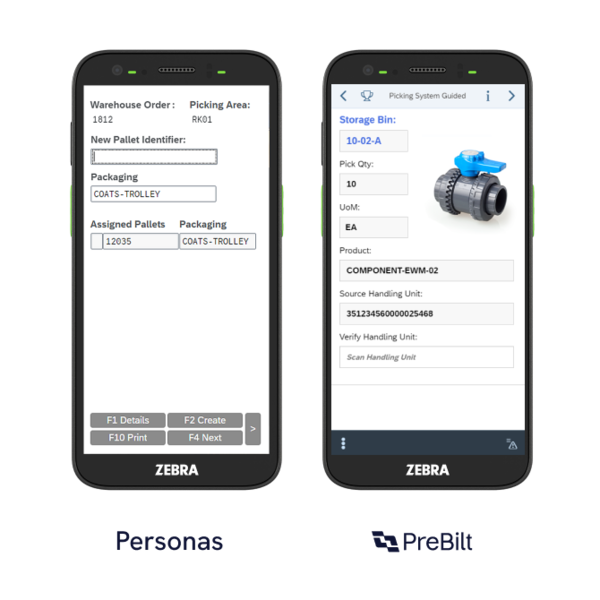
MOBGUI with personas has been designed to improve the visual appearance of ITS Mobile screens. What many don't realise is achieving this can introduce significant complexity, cost and ongoing maintenance requirements. A typical EWM deployment can require up to 125 days of development with MOBGUI with Personas, five times more than PreBilt.

Screen by screen development

Every screen needs to be modified individually using custom scripts. Every device type requires screen by screen development effort.
Long projects. High costs

What starts as a UI improvement project can quickly become a large development exercise.

WiFi drops. Work stops

Lose connection and session date is lost, with users forced to log back in each time.

Changes require development

If updates are made within ITS Mobile, new HTML templates are generations and any previous modifications can be lost. Back to rework, more testing, more effort.

Fixed screen profiles

Screens are fixed sizes and need setting up for each device type. Users are not able to utilise native device features such as cameras or gesture control.

Not futureproof

Any screen modifications you make aren’t guaranteed to work with future SAP updates and releases. When SAP changes, you may need to configure your UI from scratch.
The PreBilt difference

PreBilt thinks differently

PreBilt delivers an intuitive UI, without the development drain on IT and technical resource, delivering operators an experience that's easy to use and IT a solution that's easy to manage and adapt.

PreBilt-branding

Clear screens

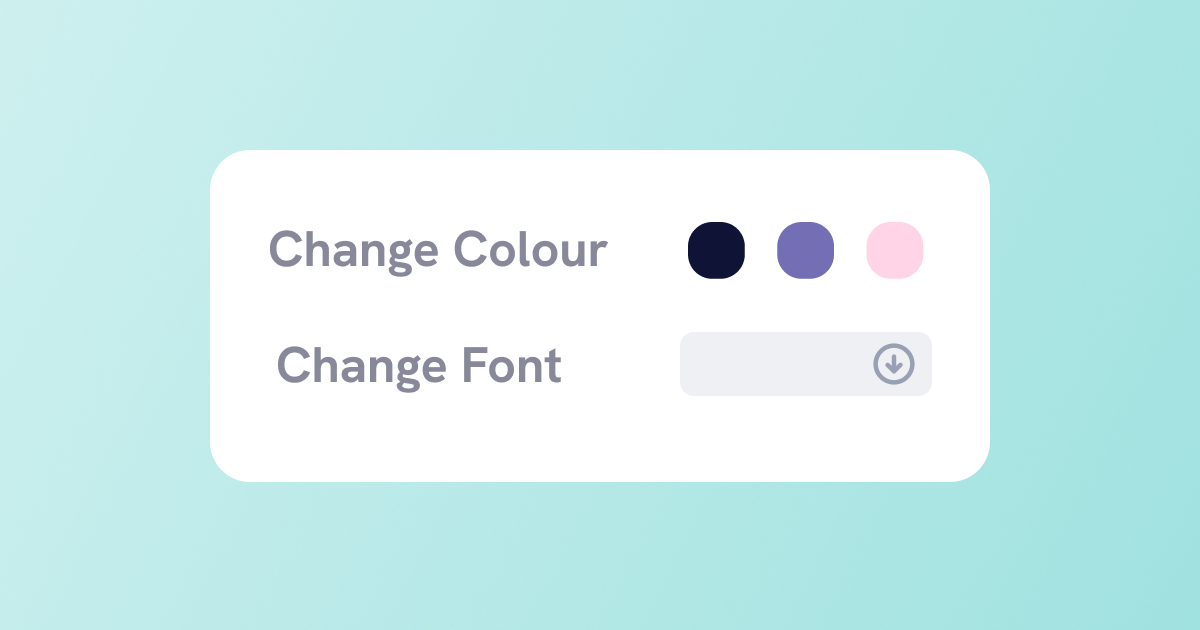
Remove unwanted fields, rename labels, change font colour and sizes. Screens that only show what you need to know.

PreBilt-blackspot (1)

Built for work

If WiFi drops, PreBilt maintains session data and users simply pick up where they left off then the connected is restored.
PreBilt-clear-descriptions

Less to remember

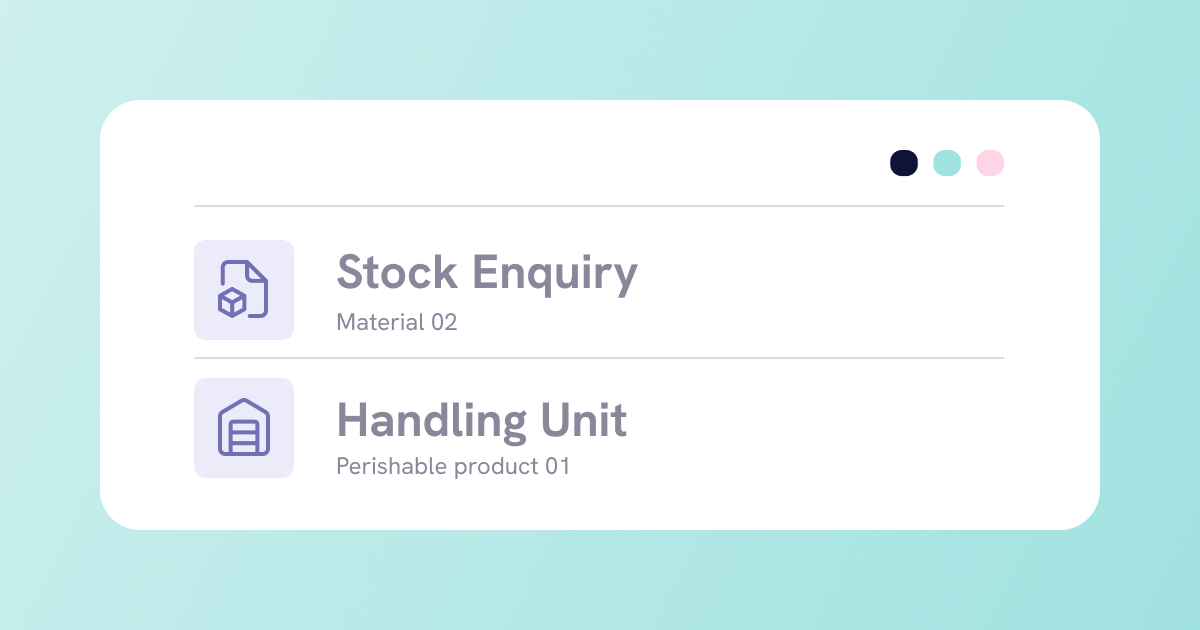
Clear descriptions for menus, functions and exception codes makes the experience simpler for users.
PreBilt-screen-render

Device agnostic

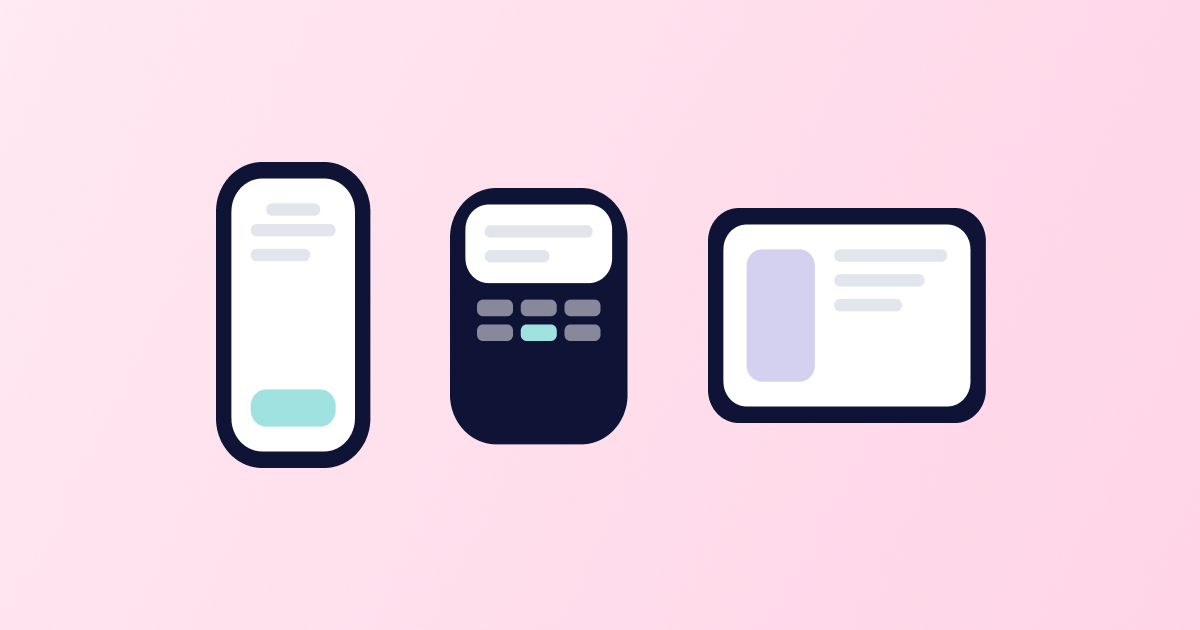
Screens automatically render to the size of the device being used, enabling a hybrid device landscape that provides the right device for the right process.
PreBilt-config-screens

Changes with configuration

Functional resources can quickly make changes to screens in seconds, removing reliance on IT and technical resource.
PreBilt-simple-layout

Built to flex

Add functionality to meet changing business needs instead of being restricted to core transactions.

Prebilt it

More than the standard SAP mobile experience

PreBilt can offer features and functionality you can't get with ITS mobile. It goes beyond the core transactions with capabilities that are all centred on optimising the experience for the user.

Live SAP analytics

Real time messaging

Gamification

OCR and multi barcode scanning

Image capture and display

Voice and wearable integration

Single sign on

prebilt it

Don’t just redesign your screens. Redesign the experience.

MOBGUI with Personas changes how SAP mobile screens look. PreBilt changes how they perform. Less development, less maintenance, less frustration.

FAQs

Geoff-grey-headshot-prebilt7

Start the conversation

Get started, book a 15 minute discovery call today.